- change php.ini
- .htaccess
- config.inc.php
First at all, it is good to know how to display current PHP variables and settings.
Please read our blog: How to display PHP configuration of your vtiger?
Change variables in php.ini
- Locate your php.ini. You can find it when you open info.php file
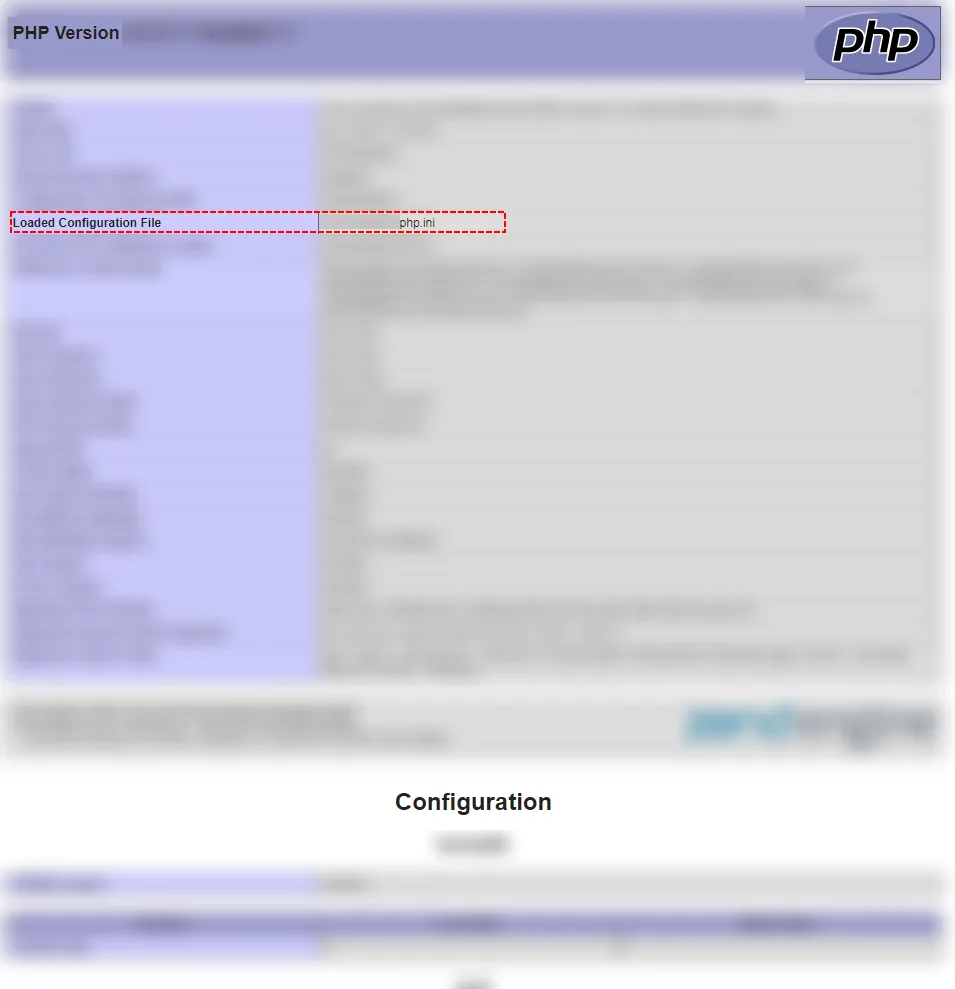
How to find php.ini file - Open your php.ini file
nano /yourpathfrominfophp/php.ini - Find please your variables that you want to change.
post_max_size = 8M upload_max_filesize = 2M - Change values
post_max_size = 512M upload_max_filesize = 5M - Save php.ini
- Restart server
sudo service apache2 restart
How to edit .htaccess?
- Find .htaccess file
- Open this file
- Edit value or add new line
php_value memory_limit 512M
This method will only work if PHP is running as an Apache module.
Change variables in config.inc.php
You can also change php variables in config file of vtiger.
- Open config.inc.php file in your vtiger installation
- Find php variables or add new lines
ini_set('memory_limit', '512M'); - Save it
Your php variables have been changed. To verify if changing has effect on your vtiger, please open again info.php file and check changed values.
Need help with Vtiger CRM?
We develop extensions, integrations and custom solutions for Vtiger CRM. Tell us what you need and we will suggest the next step.