
Before you start
To install free IT Solutions4You extensions, you first need access to My Account and the ITS4You Installer. The Installer is installed into your Vtiger CRM and then shows available free extensions that can be installed.
Create or sign in to My Account
First, create a new account or sign in using the My Account option in the website menu. If you already have an account, log in with your email and password.
Open My Account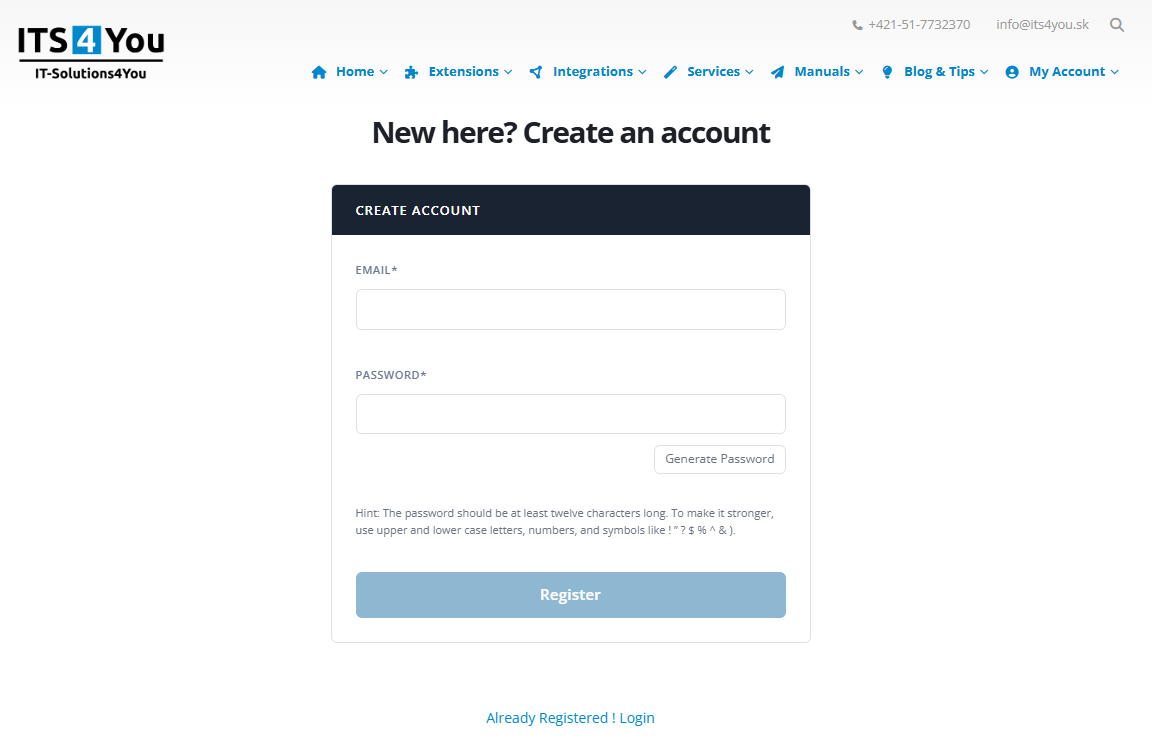
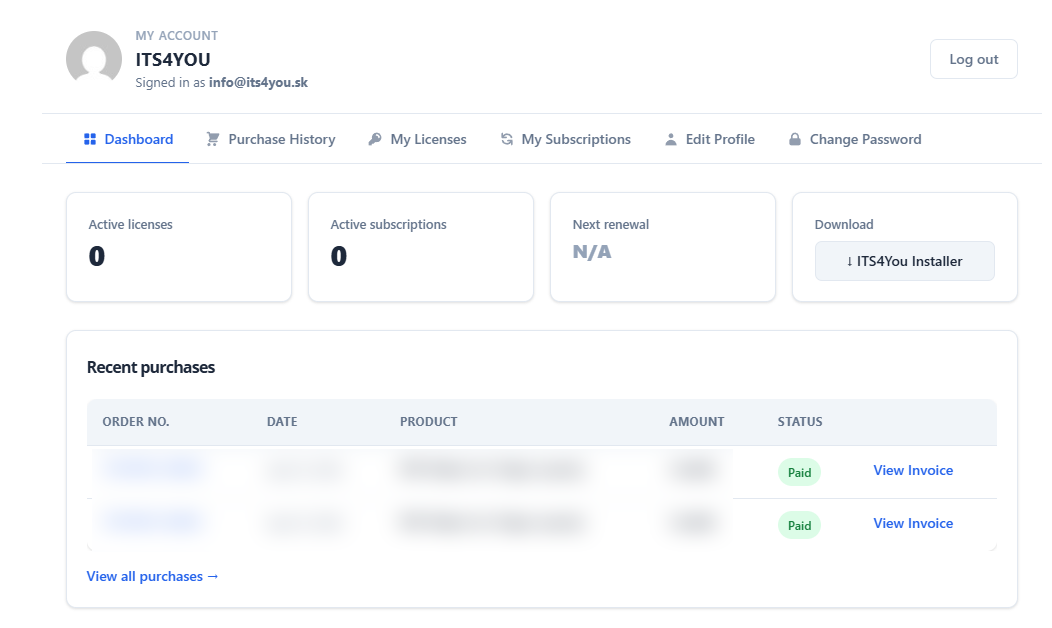
Open your customer dashboard
After login, you will see your My Account dashboard. In this area you can access your account, downloads and available files connected with your customer profile.
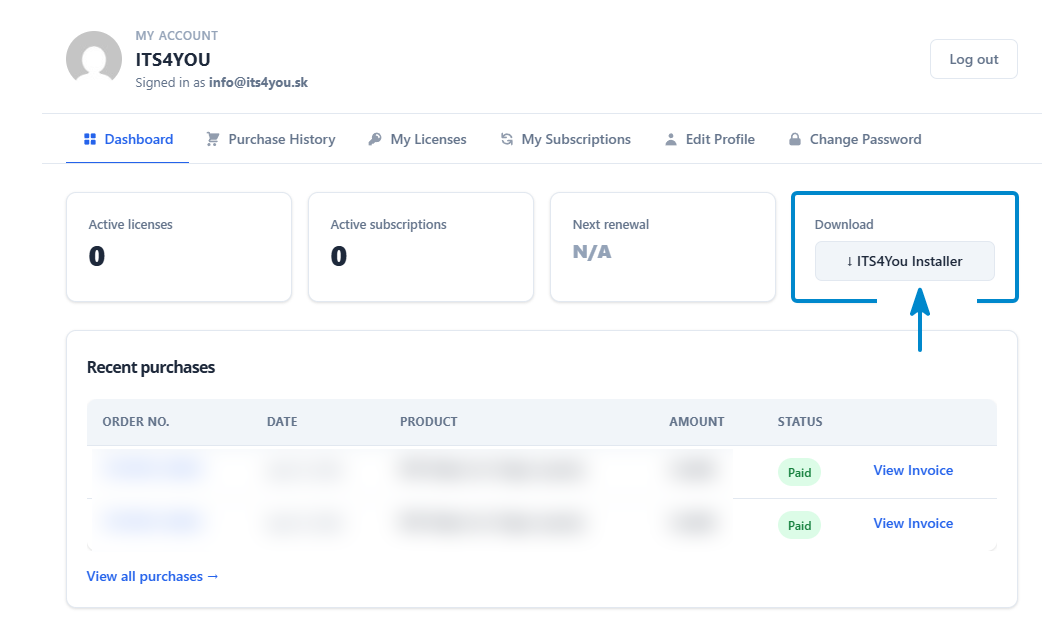
Download ITS4You Installer
In the Download section of your dashboard, click the ITS4You Installer button. This downloads a ZIP file that you will install into your Vtiger CRM.
Install Installer in Vtiger CRM
Install the downloaded ZIP file into your Vtiger CRM according to the Installer manual. After installation, open Installer inside your CRM.
View installation manual
Install available free extensions
After the Installer is installed, open it inside Vtiger CRM. You will see free IT Solutions4You extensions available for installation.
Choose the free extension you want to use and install it directly from the Installer.
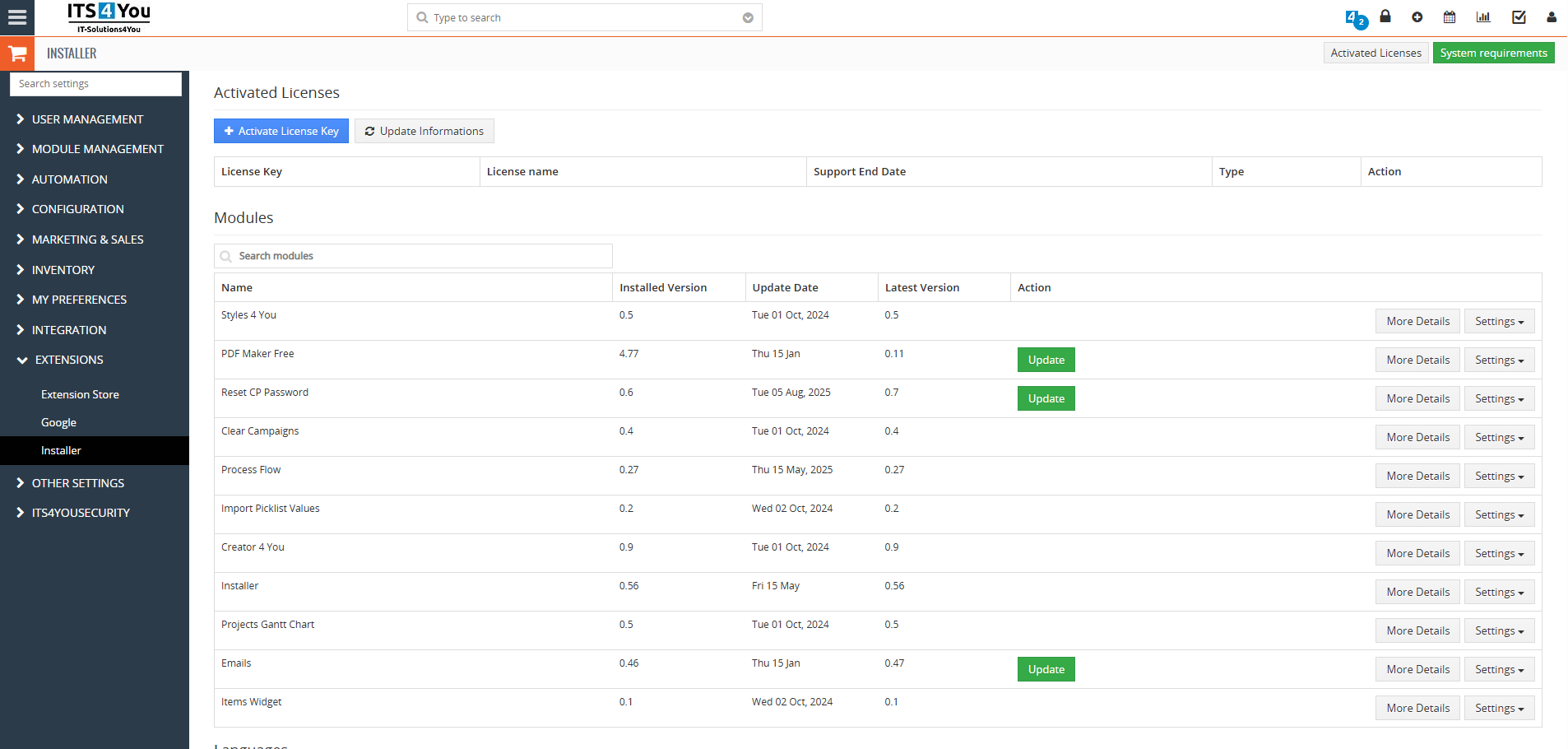
Free extensions are managed through ITS4You Installer
The Installer helps you find and install available free IT Solutions4You extensions inside Vtiger CRM. Make sure your CRM server meets the required system settings before installation.
Explore our paid Vtiger extensions and packages
If free extensions are not enough for your business needs, you can also explore our paid Vtiger extensions or choose one of our extension packages with more advanced features.