
Quick Search for Vtiger CRM
Improve the search feature in your system
With Quick Search you can define which fields will be used to search records!
0905 123
Organizations (2)
found in Phone
found in Other Phone
Contacts (1)
found in Mobile Phone
Search fields: Organizations
✓Organization Name
✓Phone
✓Other Phone
✓Email
Website
Billing City
Quick Search features
Module-Specific Search
Enable or disable search per module, including Emails.
User-Specific Settings
Allow each user to set their own search preferences.
Customizable Search Fields
Define which fields are included in searches for each module.
Supports Custom Fields
Search also in your custom fields.
Quick Navigation
Access records directly from search results.
Easy Installation
Install via Module Manager or Extension Installer.
Compatibility and Packages
Included in our packages:
Starter
Mini
Extended
All Access
Vtiger 7.x/8.x compatible
Start using Quick Search now!
Very well documented
Find the manual for the version of Vtiger that you need
Try Quick Search in our Vtiger CRM demo
See how Quick Search works in practice before you buy.
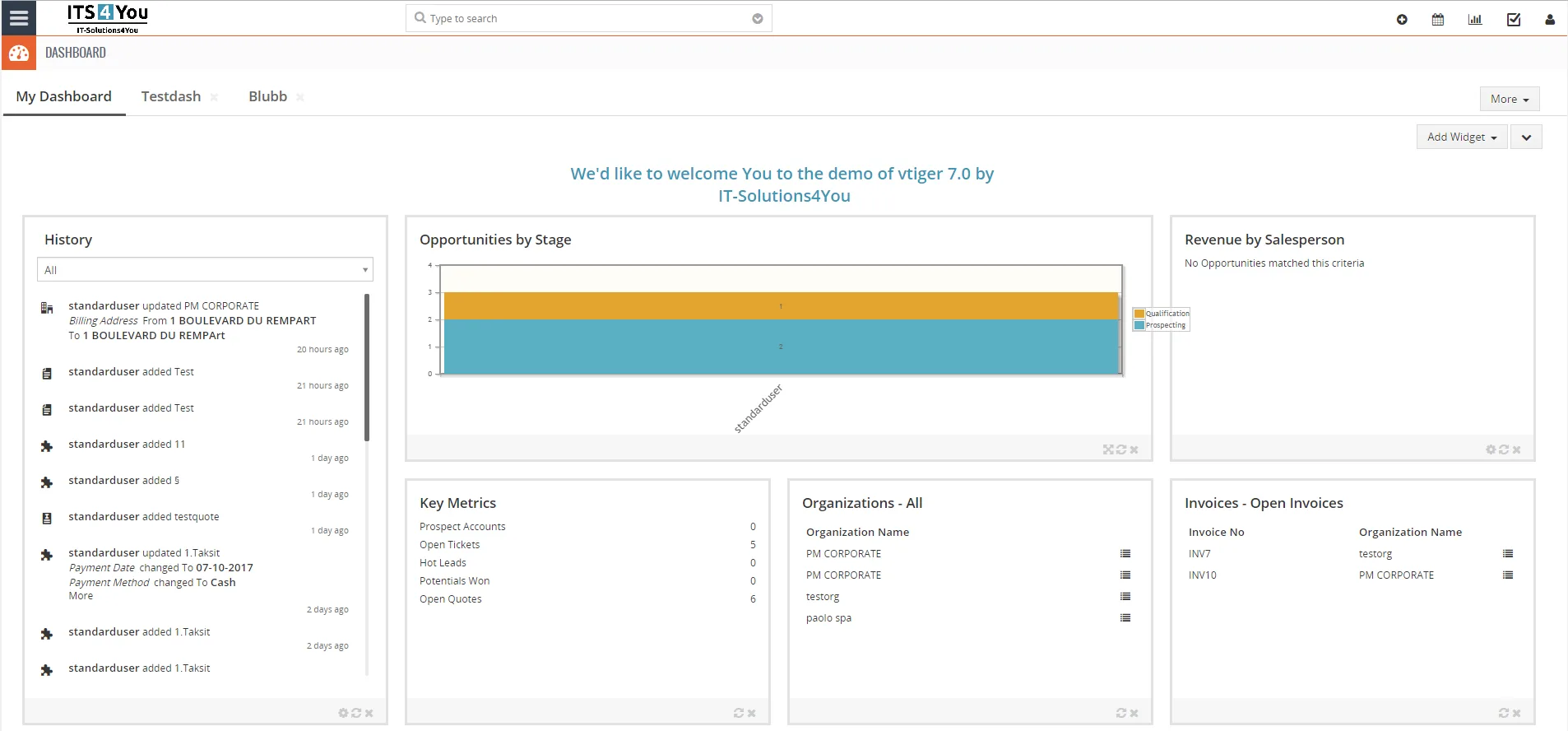 Vtiger CRM DemoView Demo
Explore all Vtiger extensions
Browse our complete collection of Vtiger extensions and discover more tools for your CRM.