

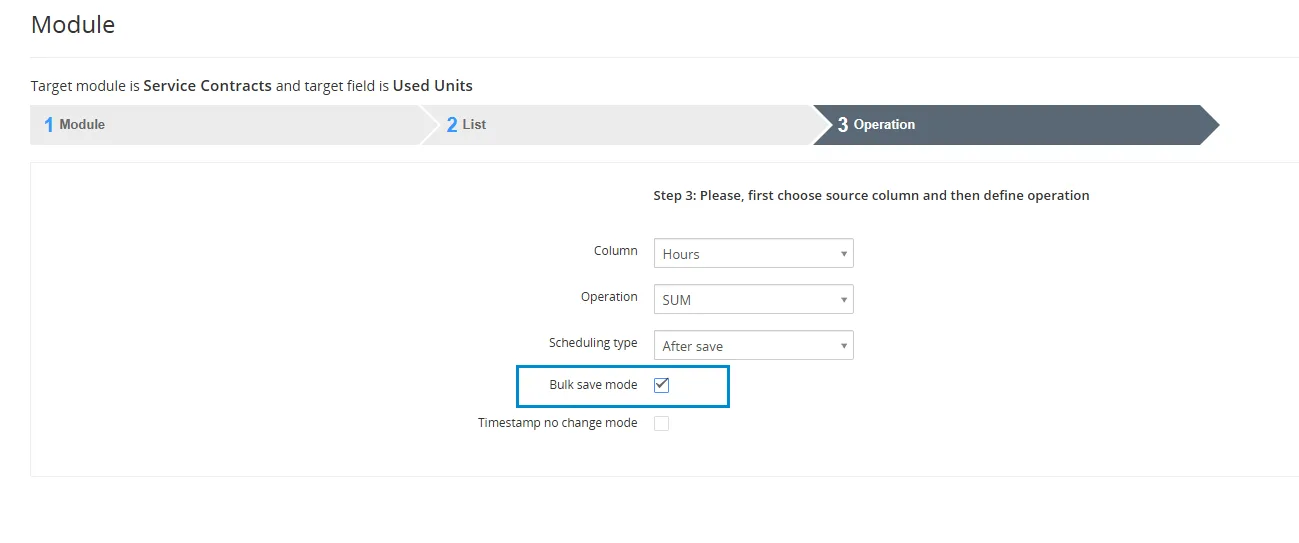
6.1 Bulk save mode
This feature is available from version 4.17 of Calculated Fields.
Bulk save mode – a mode is set in which the actions that happen in the background when saving the record are omitted/excluded.
This should be checked if user does not want to run/trigger Workflows by using Calculated Field action.
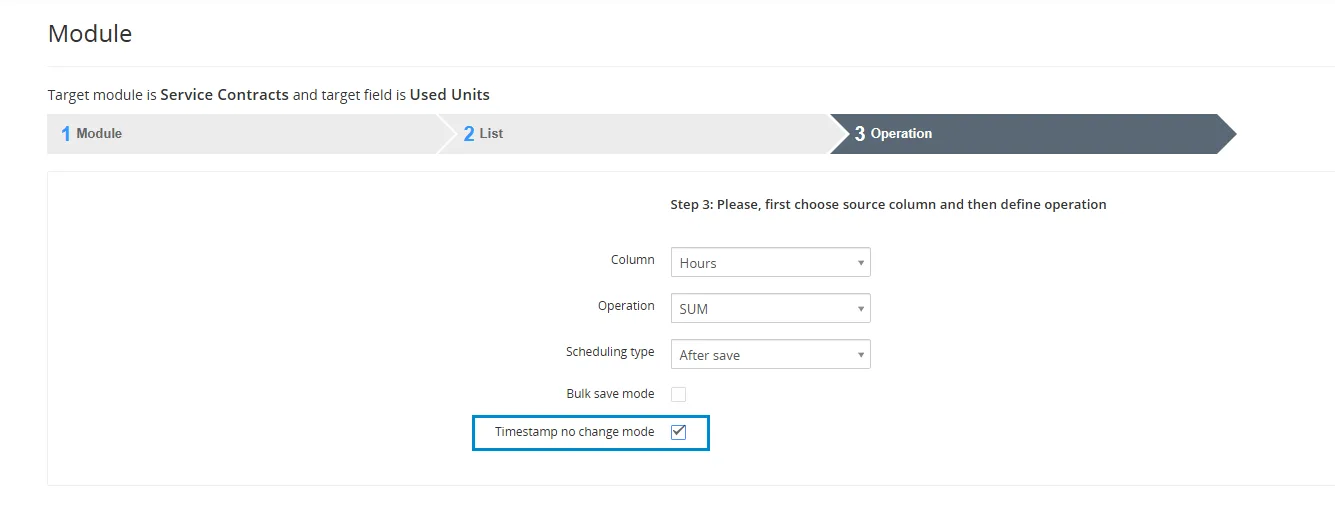
6.2 Timestamp no change mode
This feature is available from version 4.17 of Calculated Fields.
Timestamp no change mode – sets the mode in which it skips setting the modified time of the records
Need help with Calculate Fields?
Our support team answers questions about installation, templates and settings.