
The Work Area of the Calculate Fields consists of:
- List view – created Calculate Fields is shown here, edit, delete options, create New Calculate Field and Calculate Fields Settings are included too
- Edit view – allows edit already created Calculate Fields
4.1 List view
In the List view of Calulcate Fields you are able to:
- Create new Calculate Field via
 button
- Access Settings where you can:
Access License Settings
Update module manually
Uninstall module - Edit or Delete already created Calculate Fields

4.2 Edit view
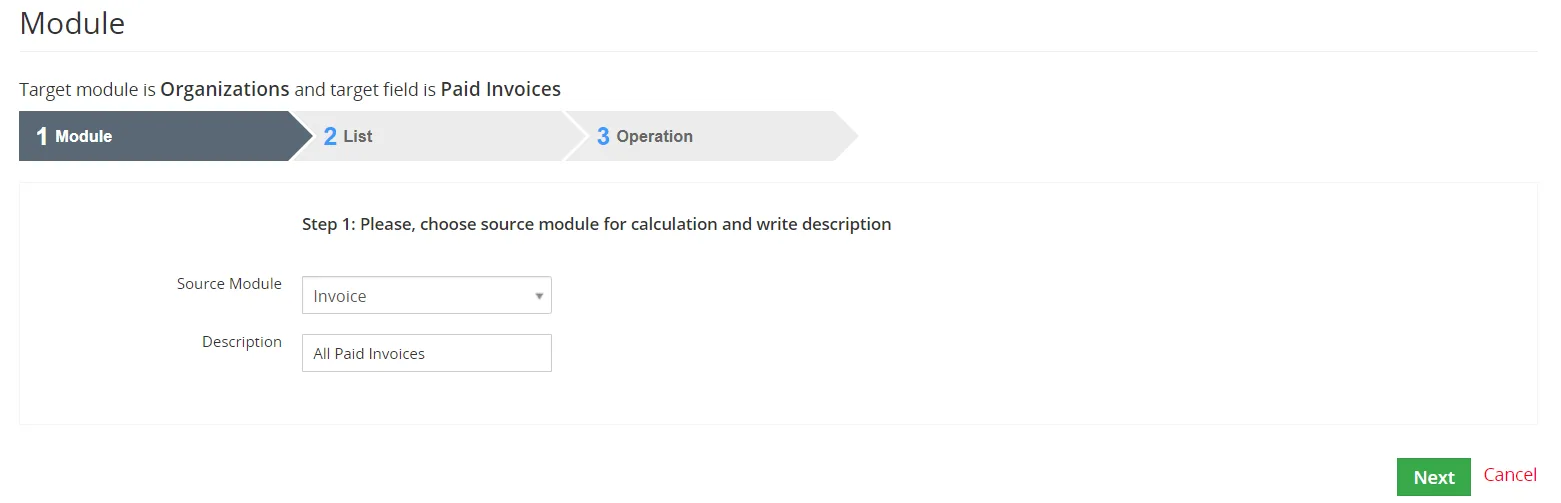
The Edit view allows you to edit already created Calculate Fields.
Edit view is shown after clicking on  in List view.
Need help with Calculate Fields?
Our support team answers questions about installation, templates and settings.