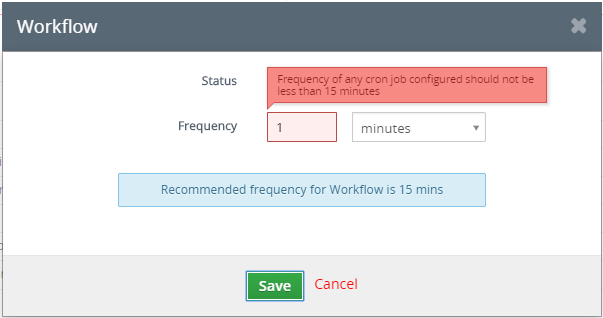
Do you want to start your vtiger cron more often instead of default 15 min?
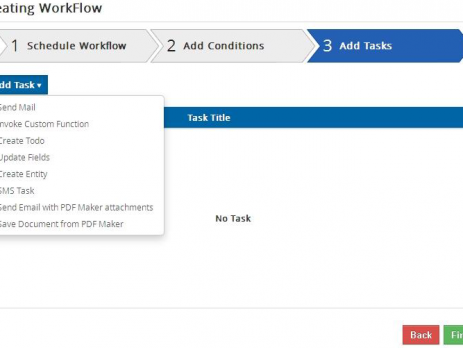
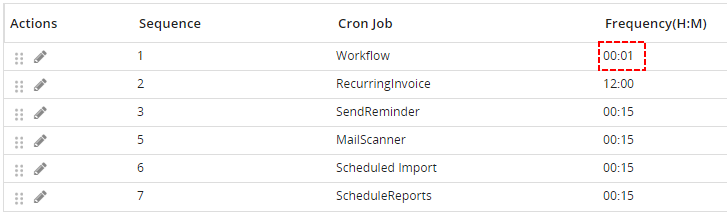
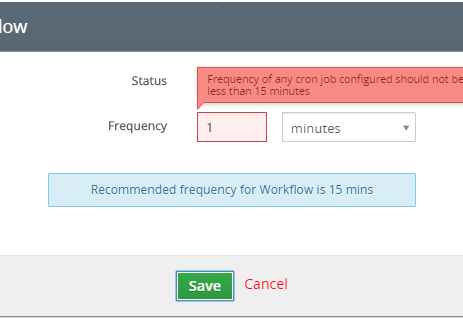
Sometimes, you need to start your cron more often instead of each 15 min. First at all, you need to allow executing of workflow often. How to allow vtiger workflow more often To allows it please open your config.inc.php and insert there $MINIMUM_CRON_FREQUENCY = your time interval; $MINIMUM_CRON_FREQUENCY = 1; Now, it is possible to set workflow frequency more often. How to allow vtiger workflow more often You did it but workflow still not run more often. How to allow vtiger workflow more often Why? It is because your cron is usually set to execute each 15 min or it was not configured yet. You need to also edit your cron configuration. What is cron? Cron is standard vtiger funcionality. You can read more about cron and how to set cron...