
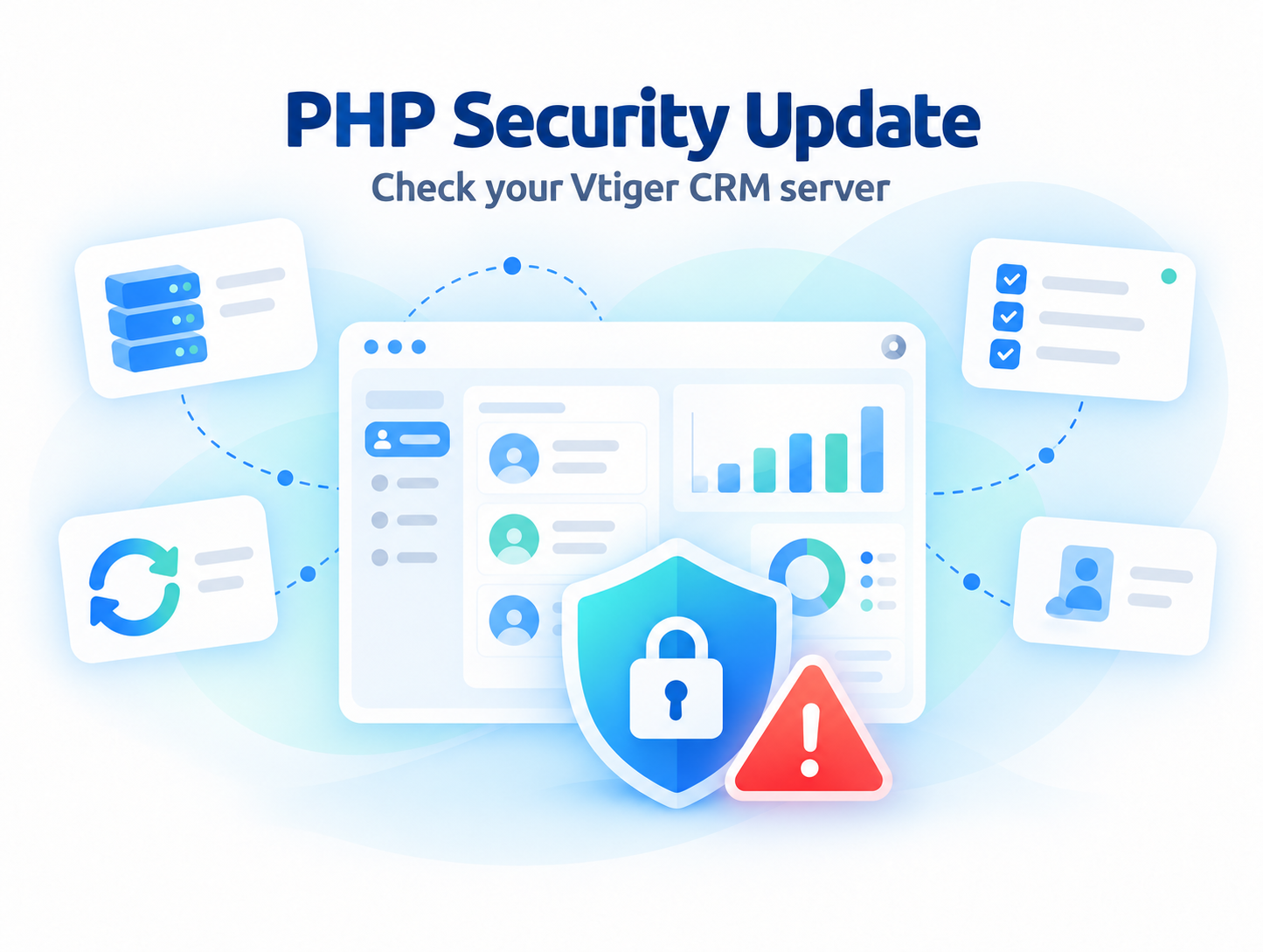
Vtiger CRM security & PHP updates
Published:
Is your Vtiger CRM running a vulnerable PHP version? Two critical PHP security issues could put your CRM server and business data at risk, even if the system appears to work normally.
This Vtiger CRM security update explains how to check your PHP version, which releases fix CVE-2026-109618 and CVE-2026-109619, and whether your next step is a PHP security patch or a Vtiger upgrade. It is relevant to businesses running Vtiger Open Source on their own server or with a hosting provider.
Can these PHP security issues affect your Vtiger CRM?
PHP published fixes on 21 October 2026 for two vulnerabilities that can permit remote code execution without authentication. These security flaws affect PHP, the software that runs Vtiger on your server. The problem is in the PHP runtime beneath the CRM, so checking Vtiger alone is not enough.
For a CRM administrator, the practical implication is that reviewing PHP is necessary even when Vtiger appears to work normally. A working login, up to date extensions or a strong administrator password cannot establish that the underlying runtime has been patched.
What do CVE-2026-109618 and CVE-2026-109619 actually do?
Memory corruption during OOM handling
When PHP runs out of memory, it can stop processing a request before its internal data is ready. During cleanup, PHP may then use invalid memory. An attacker may exploit this to run code on the server.
Stale state between requests
PHP can retain internal data after the memory holding it has been released. A later request processed by the same server worker may use that invalid data, potentially allowing an attacker to run code.
Affected web environments include PHP-FPM, Apache with mod_php, PHP-CGI, FrankenPHP and LiteSpeed. PHP identifies mod_php as the highest risk setup, including a demonstrated attack before application code runs.
PHP security update: affected branches and fixed versions
The following releases contain fixes for both vulnerabilities. Use these versions or later patched releases within the same branch, subject to your CRM compatibility.
| PHP branch | First fixed release | Action |
|---|---|---|
| PHP 8.2 | 8.2.35 | Update within the compatible branch. |
| PHP 8.3 | 8.3.36 | Update within the compatible branch. |
| PHP 8.4 | 8.4.27 | Verify CRM compatibility before using this branch. |
| PHP 8.5 | 8.5.12 | Verify CRM compatibility before using this branch. |
| PHP 8.1 and older | No regular upstream security support | Ask about vendor backports and plan an upgrade. |
Distribution packages may include backported fixes without matching these upstream version numbers. Ask your hosting provider to confirm that both CVE fixes are included in the installed package.
Do you need a PHP security fix or a Vtiger upgrade?
PHP compatibility and security support are different things. An older Vtiger installation may require an older PHP branch. That requirement does not make the branch secure, and switching it directly to the newest PHP can break CRM functions or extensions.
The practical route is to assess your Vtiger version, installed extensions and custom code, then choose a supported PHP environment that works with the upgraded system. Our Vtiger upgrade service can help you plan and implement that transition.
PHP security fix and verification
The work may focus on updating PHP packages, coordinating changes with your hosting provider and checking that Vtiger still works correctly. The analysis helps define what needs to be done before you purchase the fix.
Vtiger upgrade and PHP update
The work may require a newer Vtiger version, compatible extensions and adjustments to custom code before changing the PHP branch. We can quote for the upgrade based on your installation.
Existing IT Solutions4You customers can request a free analysis before deciding how to proceed. We review the information about your installation, recommend a suitable next step and provide a quote for the required fix or upgrade. You can then decide whether to proceed. Implementation is paid work, priced according to complexity and the agreed scope.
How to check the PHP version used by Vtiger CRM
Check the PHP version serving your actual CRM address. A server can run several PHP versions, so the version used by another website or by SSH may be different.
Option 1: Check your hosting control panel
Open the hosting panel, select the domain or subdomain where Vtiger is installed, and look for its PHP settings or PHP version selector. Record the selected branch. If the panel only shows a value such as 8.2, ask your provider for the full installed package version and confirmation that both CVE fixes are included. Do not change the version before checking CRM compatibility.
Option 2: Check directly in the Vtiger installation folder
If you administer the server and can upload files, use this short check. It displays only the PHP version, without exposing a full PHP configuration report.
- Using SFTP or your hosting file manager, open the folder containing your Vtiger
index.phpandconfig.inc.php. Do not modify those files. - Create a temporary file named
crm-php-check.phpin that folder, with the following content:
<?php
header('Content-Type: text/plain; charset=UTF-8');
header('Cache-Control: no-store');
echo phpversion();- Open the file through the same HTTPS address you use for Vtiger. For example, if CRM is at
https://crm.example.com/, openhttps://crm.example.com/crm-php-check.php. If CRM is athttps://example.com/vtiger/, append the filename to that path. - Record the displayed version and compare it with the fixed versions above. For vendor packages, ask the provider to confirm whether the fixes have been backported.
- Delete the temporary file immediately after checking. If the page is blocked, downloads the file or shows PHP source code, remove it and contact your administrator rather than changing server rules.
Option 3: Check command line PHP through SSH
php -vThis shows the default command line PHP version. It does not prove which PHP version the CRM website uses. Cron may also use a different PHP executable. Confirm the web runtime separately.
Before applying changes, back up the CRM files, database and configuration. After patching, restart the affected PHP services and workers, verify the web runtime and test login, document generation, email, uploads and Cron tasks.
Changing PHP settings alone does not fully resolve these issues. If an immediate patch is unavailable, have your administrator assess temporary exposure controls. For older Vtiger 7.x installations, include a Vtiger upgrade in the plan rather than remaining indefinitely on unsupported PHP.
Vtiger PHP security FAQ
Is my Vtiger CRM affected by these PHP vulnerabilities?
Your installation may be affected if the PHP runtime serving Vtiger does not include the fixes for both CVEs. Check the web server PHP version and package patch status. The issue is in PHP, and the actual patch status must be checked on the server.
Should I upgrade Vtiger 7.x?
We strongly recommend planning an upgrade for Vtiger versions older than 8.x, together with a move to supported, patched PHP. The right target depends on your extensions and customizations. A Vtiger upgrade alone does not patch PHP; both layers need attention.
Can I simply upgrade PHP to the newest version?
Check compatibility first. Your Vtiger version, extensions and custom code determine which PHP branch you can use. An older installation may need a Vtiger upgrade before moving to a supported PHP branch.
Does the free analysis include fixing the server?
No. We offer our customers a free analysis of their current setup and recommended next steps. Applying patches, changing server configuration, resolving compatibility issues and upgrading Vtiger are paid services. Pricing depends on the complexity and agreed scope.
How much does a PHP security fix or Vtiger upgrade cost?
The price depends on your hosting environment, Vtiger version, extensions and customizations. Our customers can start with a free analysis, then receive a quote for the proposed work. The free analysis does not include implementation.
What should I send when requesting an analysis?
Send your Vtiger version, PHP version used by the website, hosting provider and details of important extensions or customizations to info@its4you.sk. Do not include passwords in the initial email. We will arrange any necessary access separately.
Is a distribution package with an older version number necessarily vulnerable?
Not necessarily. A vendor may have backported the fixes. Ask the hosting provider or package vendor to confirm coverage of CVE-2026-109618 and CVE-2026-109619 rather than relying on the displayed version alone.
Find out whether your Vtiger needs a fix or an upgrade
Send us your Vtiger version, web server PHP version and hosting details. Our customers can request a free analysis to identify whether a PHP patch is sufficient or a Vtiger upgrade is needed. We can then provide a quote for the recommended work.
Start with a free analysis for IT Solutions4You customers. Proceed with a paid fix or upgrade once you have reviewed the proposed scope and price.








Leave a Reply